
PlainStaff & BuchhaltungsButler Integration - Automated Invoicing
About BuchhaltungsButler
Is your accounting complex and time-consuming? With BuchhaltungsButler, you work intuitively, easily, and up to 76%* faster. With the help of the PlainStaff integration, it is possible to generate corresponding outgoing invoices from the recorded project times in BuchhaltungsButler.
Create a free test account now on BuchhaltungsButler.de and get to know BuchhaltungsButler.
- Achieve your goals faster and more efficiently thanks to the highest level of automation in the industry.
- Securely positioned for the future, for audits, and for the growing challenges in your company.
- Self-learning algorithms and smart decision aids, so you can keep your mind free for what really matters.
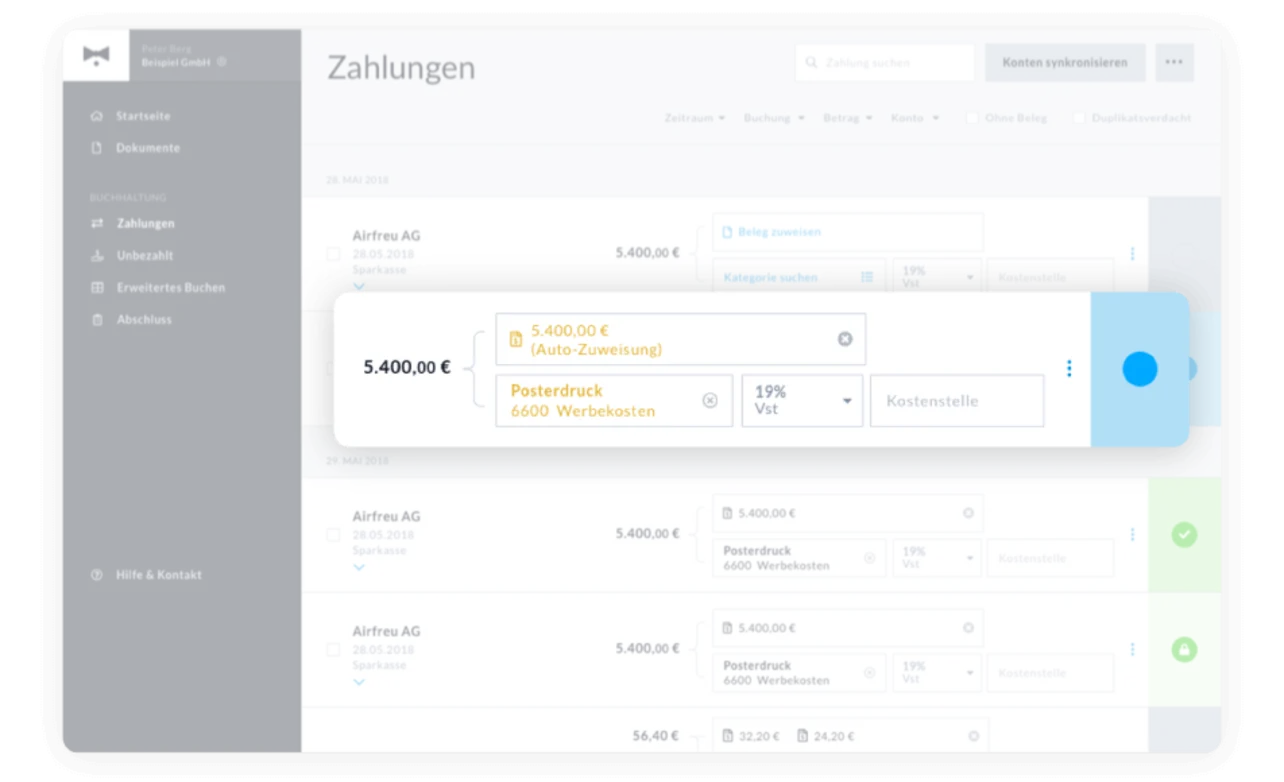
BuchhaltungsButler screenshot
Connecting with BuchhaltungsButler
The connection between PlainStaff and BuchhaltungsButler is quick and easy to establish:
- Activate the PlainStaff service in your BuchhaltungsButler account under Settings > Interfaces > Data Transfer with Partner Services and copy the API Key hidden behind the '...' menu.
- Open the settings for BuchhaltungsButler in PlainStaff under Administration > Integrations with a click on "Settings" on the BuchhaltungsButler tile.
- Copy the API Key from BuchhaltungsButler into the "API Key" field.
- Enter the applicable VAT rate into the corresponding field.
- Done.
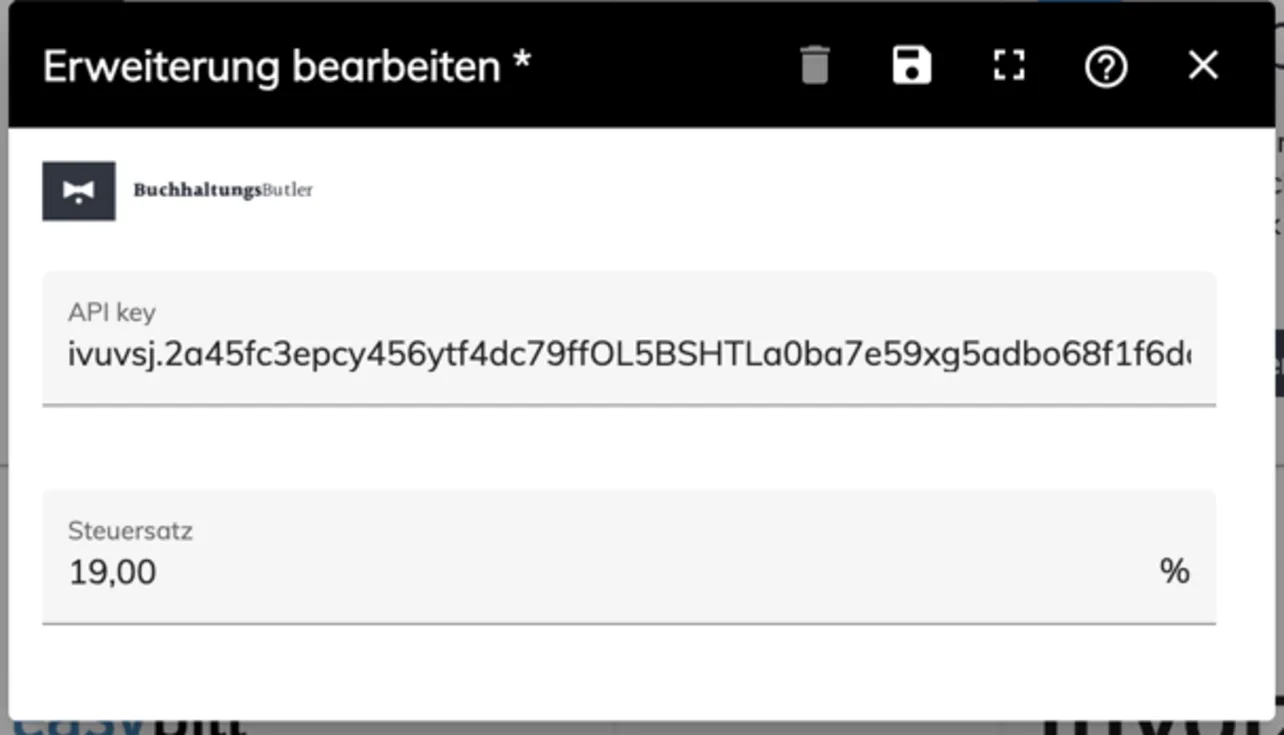
BuchhaltungsButler Verbindung
Using the Integration
Through the integration with BuchhaltungsButler, PlainStaff gains the following new function:
- In the project management of PlainStaff, the project times recorded in PlainStaff can be selected, grouped, and exported to BuchhaltungsButler for invoicing. Further information on this can be found in the Help.
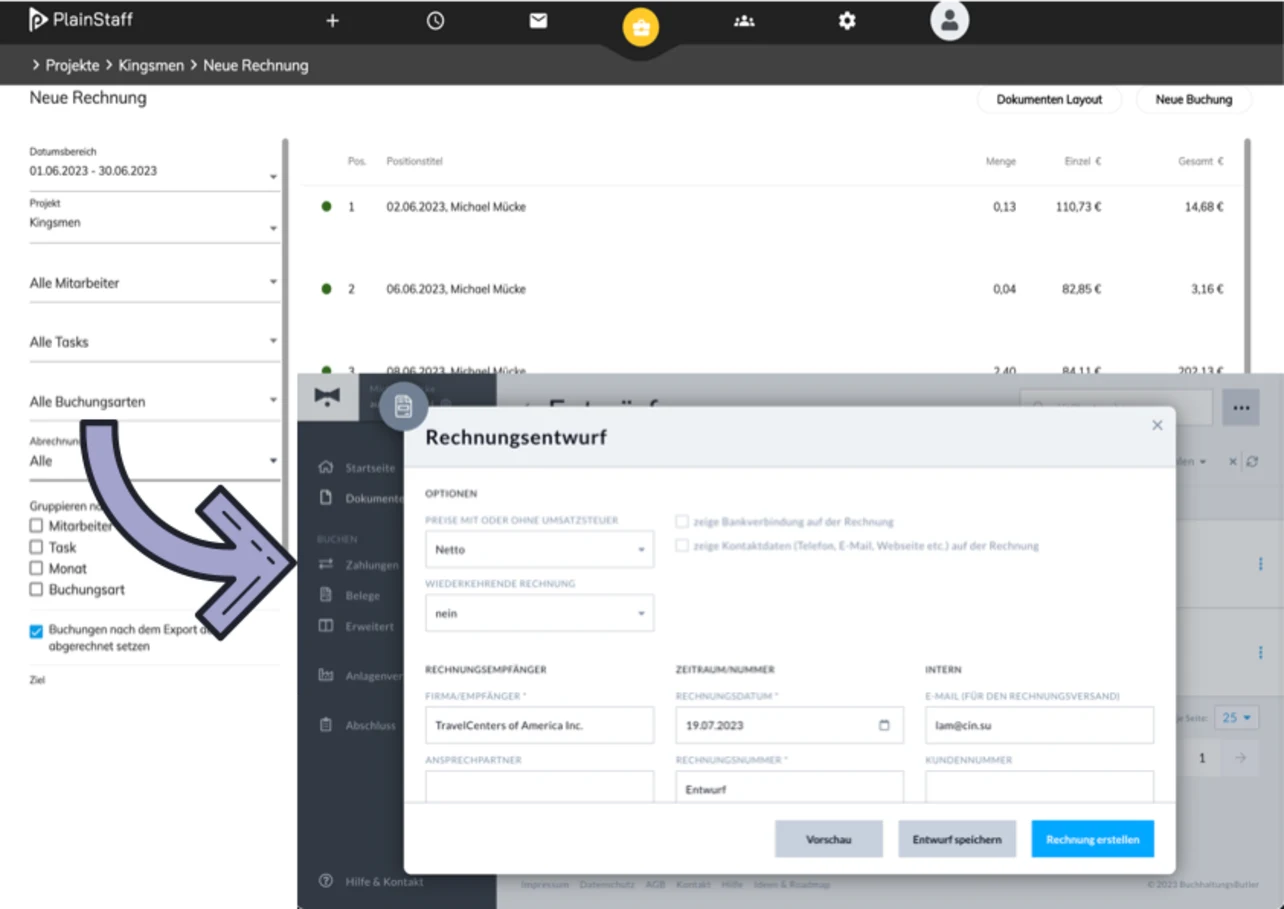
BuchhaltungsButler screenshot
Frequently Asked Questions on BuchhaltungsButler Integration
How are project times transferred to BuchhaltungsButler?
You can easily filter, group, and export project times recorded in PlainStaff to BuchhaltungsButler as invoice drafts with just a few clicks.
Are customer details automatically matched?
Yes, when exporting project times, PlainStaff matches customers based on their name or debtor number with your existing contacts in BuchhaltungsButler.