
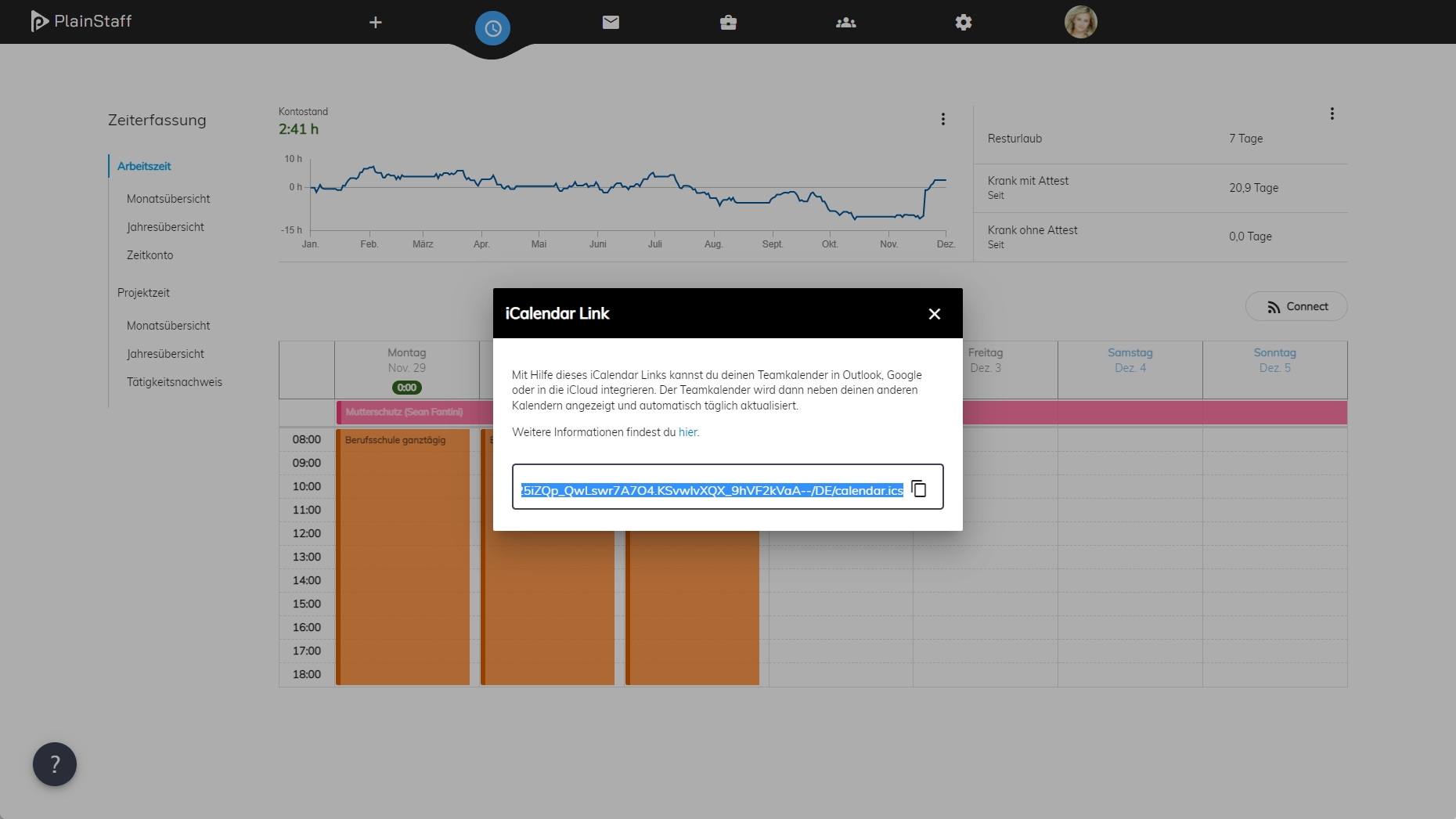
The team calendar shows approved absences as well as the birthdays of all team members. It is displayed in the weekly and monthly calendar in PlainStaff and can also be integrated into Outlook, Google, or Apple Calendar. The iCalendar format is a standardized data format for exchanging calendar events between applications. The appointments in the team calendar are updated once a day.
Integration in Outlook
Outlook on the Web (outlook.com or outlook.office365.com)
- In the team calendar view, copy the iCalendar link to the clipboard using Ctrl+C.
- In Outlook, open the calendar and click "Add calendar" > "Subscribe from web".
- Paste the iCal link into the input field and click "Import".
- The team calendar will be displayed as an additional calendar in Outlook.
Outlook for Microsoft 365, Outlook 2019, Outlook 2016, Outlook 2013
- In the team calendar view, copy the iCalendar link to the clipboard using Ctrl+C.
- In Outlook, click File > Account Settings > Account Settings.
- On the Internet Calendars tab, click "New".
- Paste the iCal link into the input field and click "Add".
- In the Folder Name field, enter the name of the calendar to be displayed in Outlook, then click OK.
- The team calendar will be displayed as an additional calendar in Outlook.
Integration in Google
- In the team calendar view, copy the iCalendar link to the clipboard using Ctrl+C.
- Go to calendar.google.com.
- On the left side, go to "Other calendars" and click the dropdown.
- Select "From URL".
- Paste the calendar link from PlainStaff.
- Click "Add calendar" and wait until the entries are imported.
Integration in Apple Calendar
- In the team calendar view, copy the iCalendar link to the clipboard using Ctrl+C.
- In Apple Calendar, choose File > New Calendar Subscription.
- Paste the calendar link from PlainStaff and click Subscribe.
- Enter a name for the calendar and choose a color.
- Select iCloud from the Location menu and click OK.
- If you want this calendar to be added to your iOS devices, make sure your iOS devices and computer are logged in with the same Apple ID.